Home > Remote Control System > Accessories > Bind Plug for SPEKTRUM DSM2/DSMX Receiver Compatible with AR6210 AR800 AR9020 S603 F701

Bind Plug for SPEKTRUM DSM2/DSMX Receiver Compatible with AR6210 AR800 AR9020 S603 F701

SKU:
0.0 (0)
0 Sold
$5.99 $7.99
Received successfully
Coupon Code
CONTINUE SHOPPING
    Please select the information you want X
  • Color:
    5PCS
    5PCS
    10PCS
    10PCS
    Please select the information you wantX
Quantity:
  • Bind Plug for SPEKTRUM DSM2/DSMX Receiver Compatible with AR6210 AR800 AR9020 S603 F701
  • Bind Plug for SPEKTRUM DSM2/DSMX Receiver Compatible with AR6210 AR800 AR9020 S603 F701
  • Bind Plug for SPEKTRUM DSM2/DSMX Receiver Compatible with AR6210 AR800 AR9020 S603 F701
  • Bind Plug for SPEKTRUM DSM2/DSMX Receiver Compatible with AR6210 AR800 AR9020 S603 F701
  • Bind Plug for SPEKTRUM DSM2/DSMX Receiver Compatible with AR6210 AR800 AR9020 S603 F701
  • Bind Plug for SPEKTRUM DSM2/DSMX Receiver Compatible with AR6210 AR800 AR9020 S603 F701
  • Bind Plug for SPEKTRUM DSM2/DSMX Receiver Compatible with AR6210 AR800 AR9020 S603 F701
  • Bind Plug for SPEKTRUM DSM2/DSMX Receiver Compatible with AR6210 AR800 AR9020 S603 F701
  • Bind Plug for SPEKTRUM DSM2/DSMX Receiver Compatible with AR6210 AR800 AR9020 S603 F701
  • Bind Plug for SPEKTRUM DSM2/DSMX Receiver Compatible with AR6210 AR800 AR9020 S603 F701
1/1
  • Bind Plug for SPEKTRUM DSM2/DSMX Receiver Compatible with AR6210 AR800 AR9020 S603 F701
  • Bind Plug for SPEKTRUM DSM2/DSMX Receiver Compatible with AR6210 AR800 AR9020 S603 F701
  • Bind Plug for SPEKTRUM DSM2/DSMX Receiver Compatible with AR6210 AR800 AR9020 S603 F701
  • Bind Plug for SPEKTRUM DSM2/DSMX Receiver Compatible with AR6210 AR800 AR9020 S603 F701
  • Bind Plug for SPEKTRUM DSM2/DSMX Receiver Compatible with AR6210 AR800 AR9020 S603 F701
  • Description

Product description
We will investigate the theft of real photos taken in our store
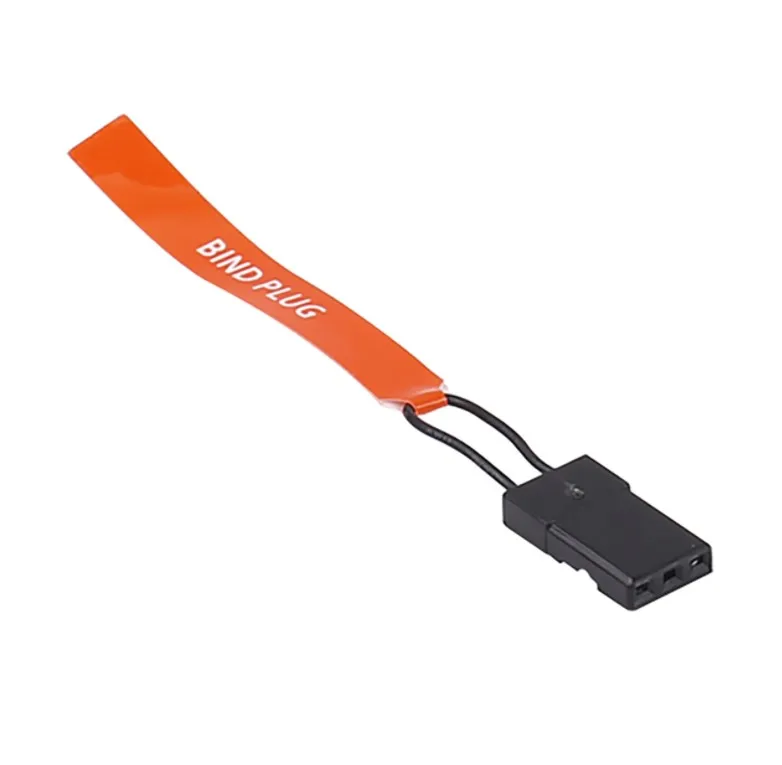
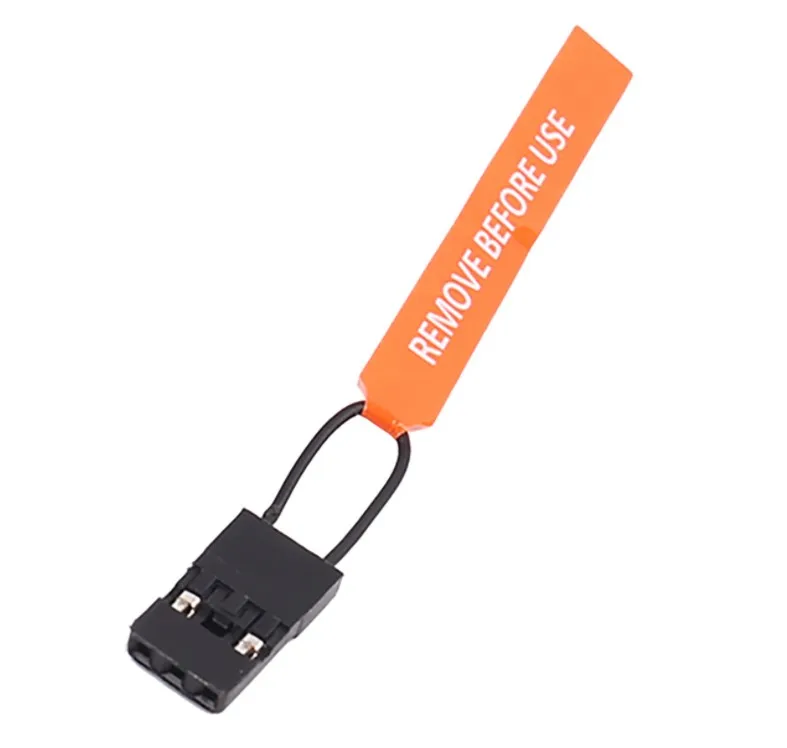
SPEKTRUM series receivers are suitable for frequency lines AR6210, AR800, AR9020, S603, and F701
Frequency matching method:
1. Insert the frequency plug into the BIND channel of the receiver, and insert the battery (or power on) into any other unused channel. At this time, the LED lights of the internal and external receivers will flash.
2. Set the status of each channel of the transmitter (for protection in case of loss of control, usually with the lowest throttle), press and hold the pairing key (light) on the remote control, and turn on the transmitter power (the preset full channel protection function is set here)
3. At this time, the internal receiver LED light changes from fast flashing to slow flashing. Within a few seconds, the LED lights of the receiver and external receiver turn to constant light. When the LED lights are constant, it indicates that the frequency matching is completed
4. Remove the code line from the BIND interface and power on each channel again to ensure normal operation.
The new receiver only needs to align with the frequency once, and after successful alignment, the alignment line is removed during use.
CUSTOMER REVIEWS

0.0 0 Reviews
Write a review
Frequently Bought Together
more
Frequently Bought Together
$0.00 $0.00
Please choose options.Back to top
Close
$0.00 $0.00